Mark the column
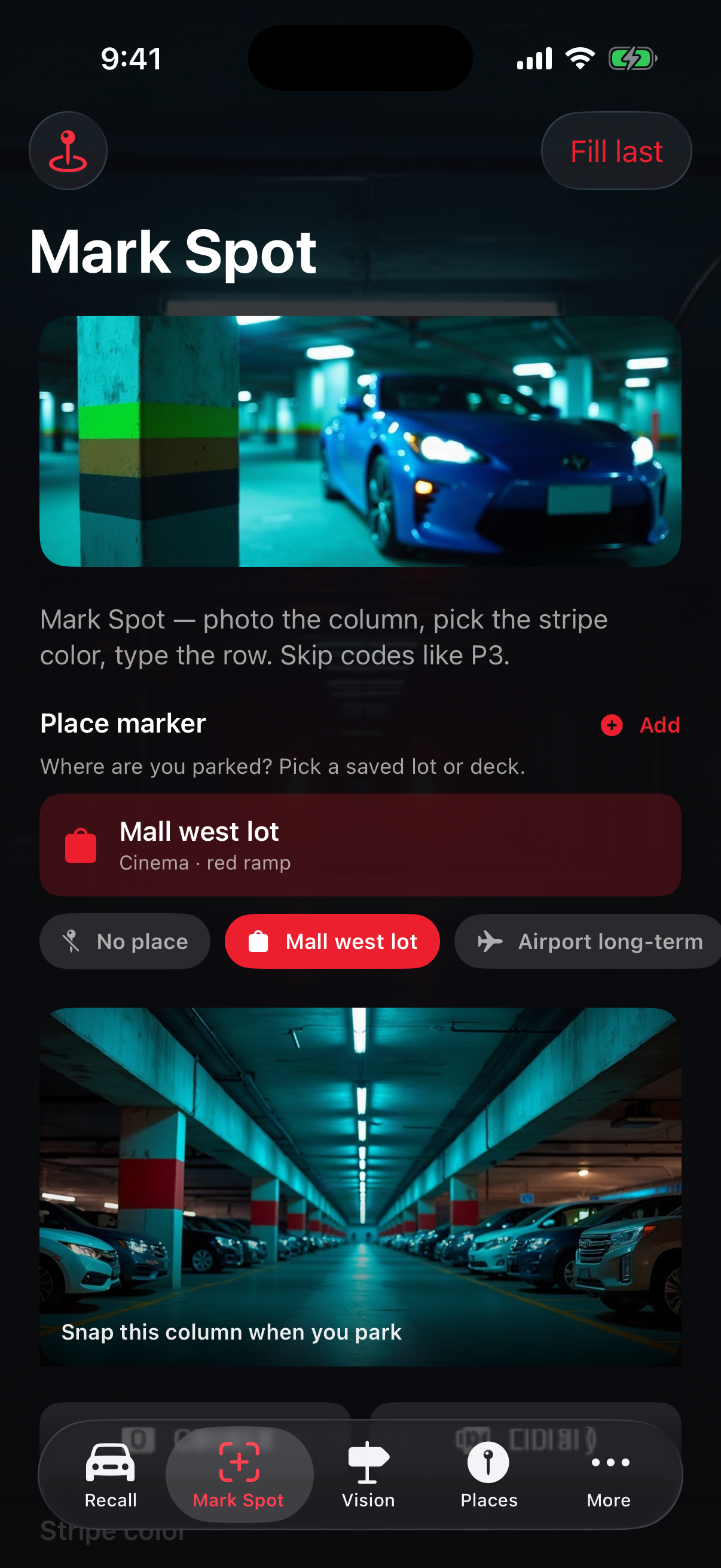
Photograph the pillar beside the car, choose the stripe color, and type the row or aisle. Add the entry gate, the level or deck, and a short note when you need one.
Parking column · stripe · row
Photograph the column, match the stripe color, and read the row on the way back to your car.
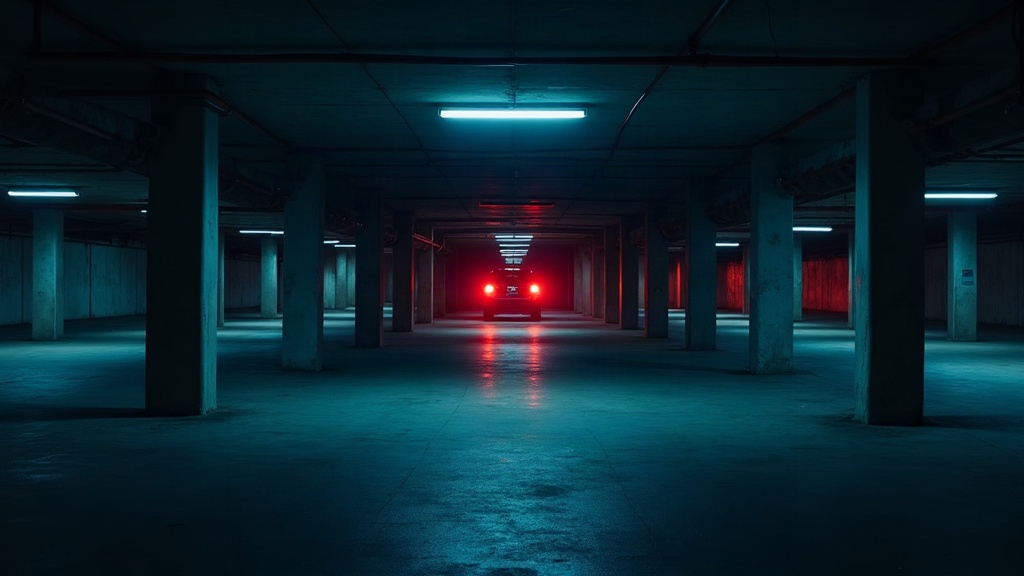
The walk back
Stakehuy keeps the things you can actually see: a numbered pillar, the painted stripe on that column, the level, and the row. The photo stays with the mark until you delete it.
Photograph the pillar beside the car, choose the stripe color, and type the row or aisle. Add the entry gate, the level or deck, and a short note when you need one.
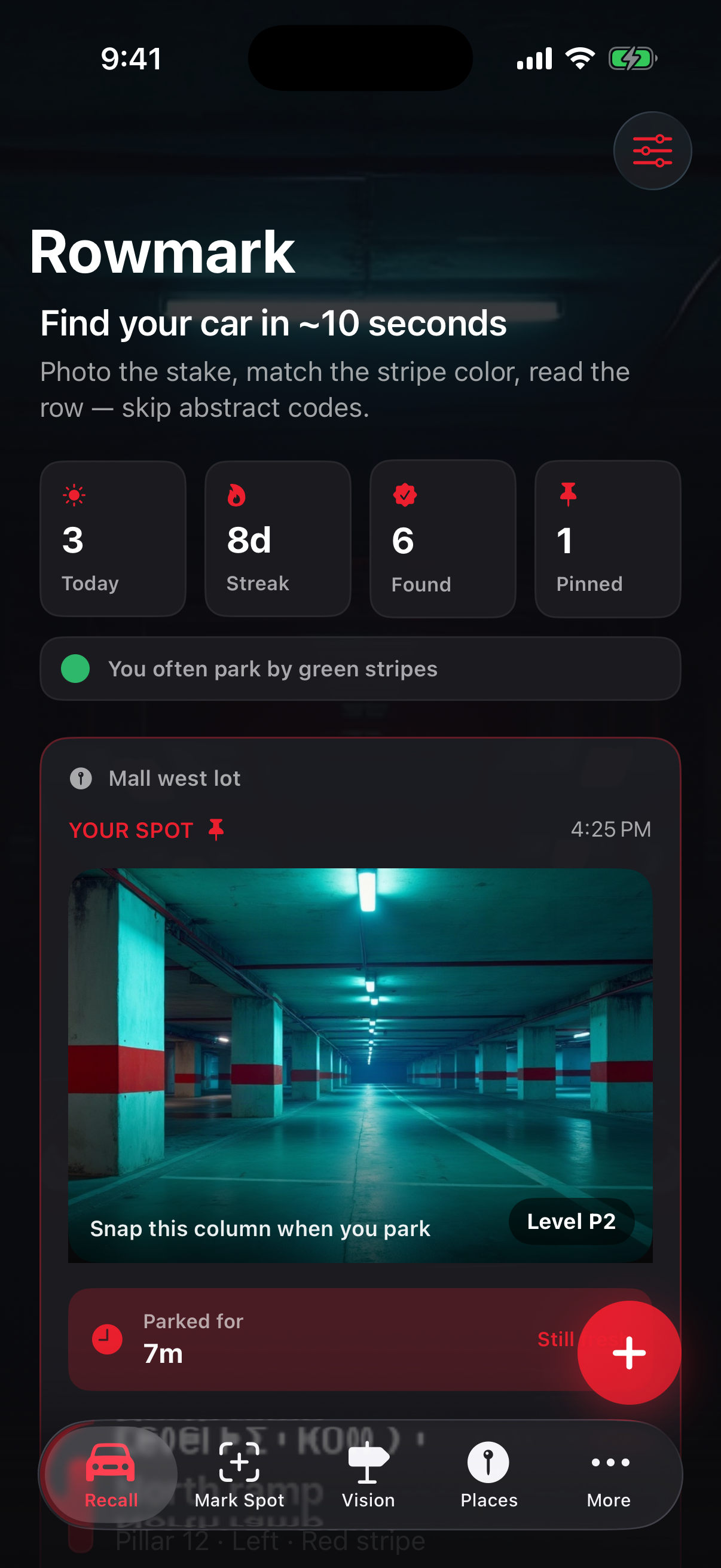
Photo, color bar, level, and row stay in one glance. A short checklist steps through the same cues.
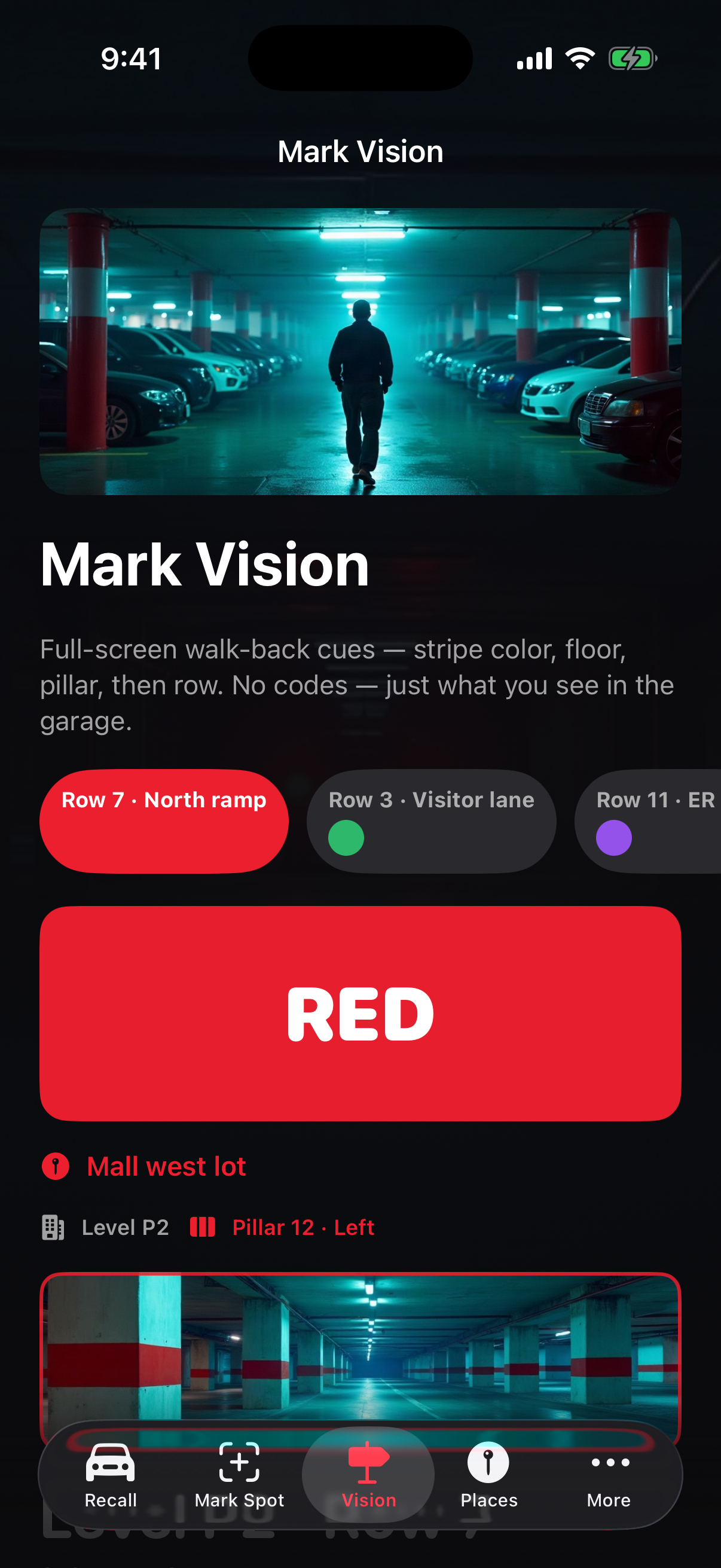
Stripe, floor, pillar, and row enlarge so you can read them while you walk the deck.
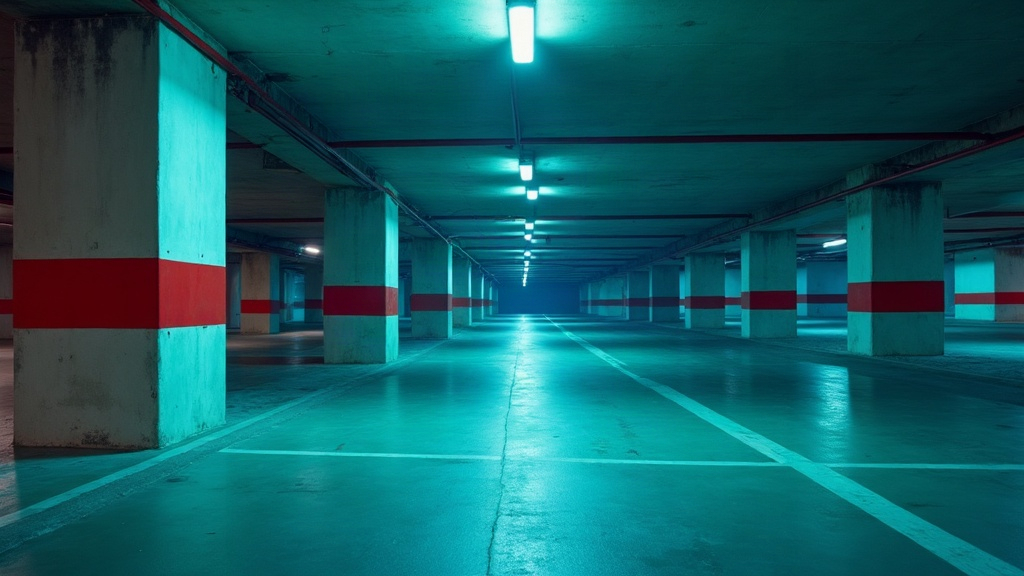
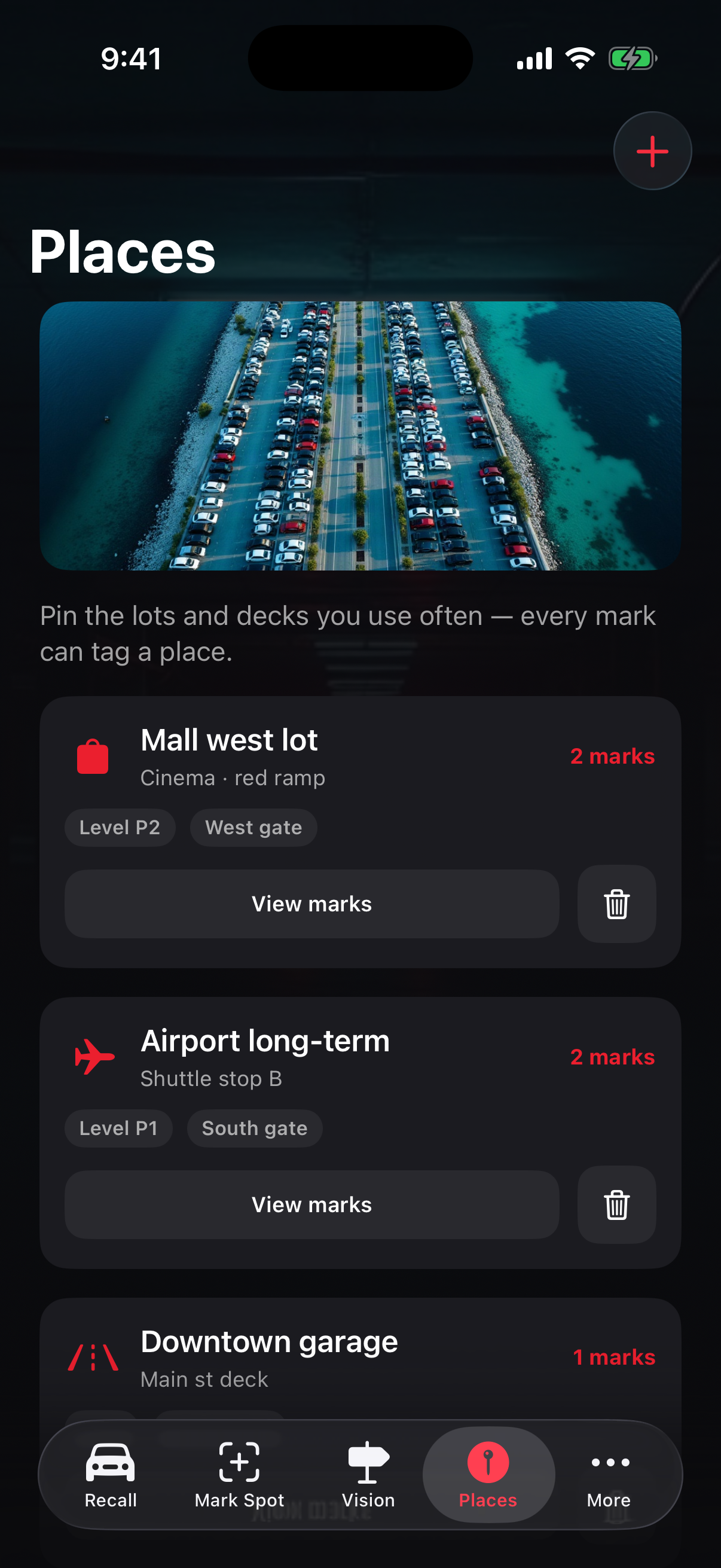
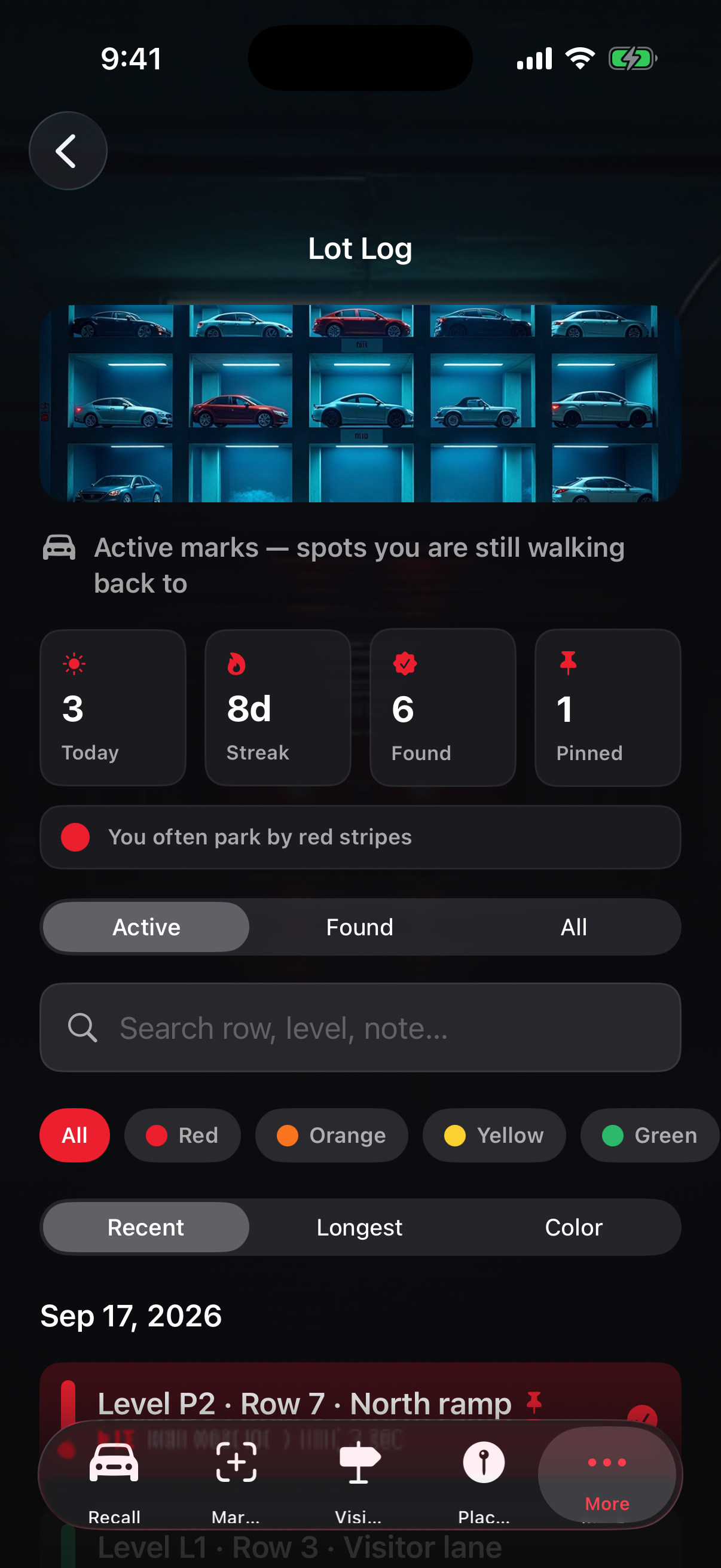
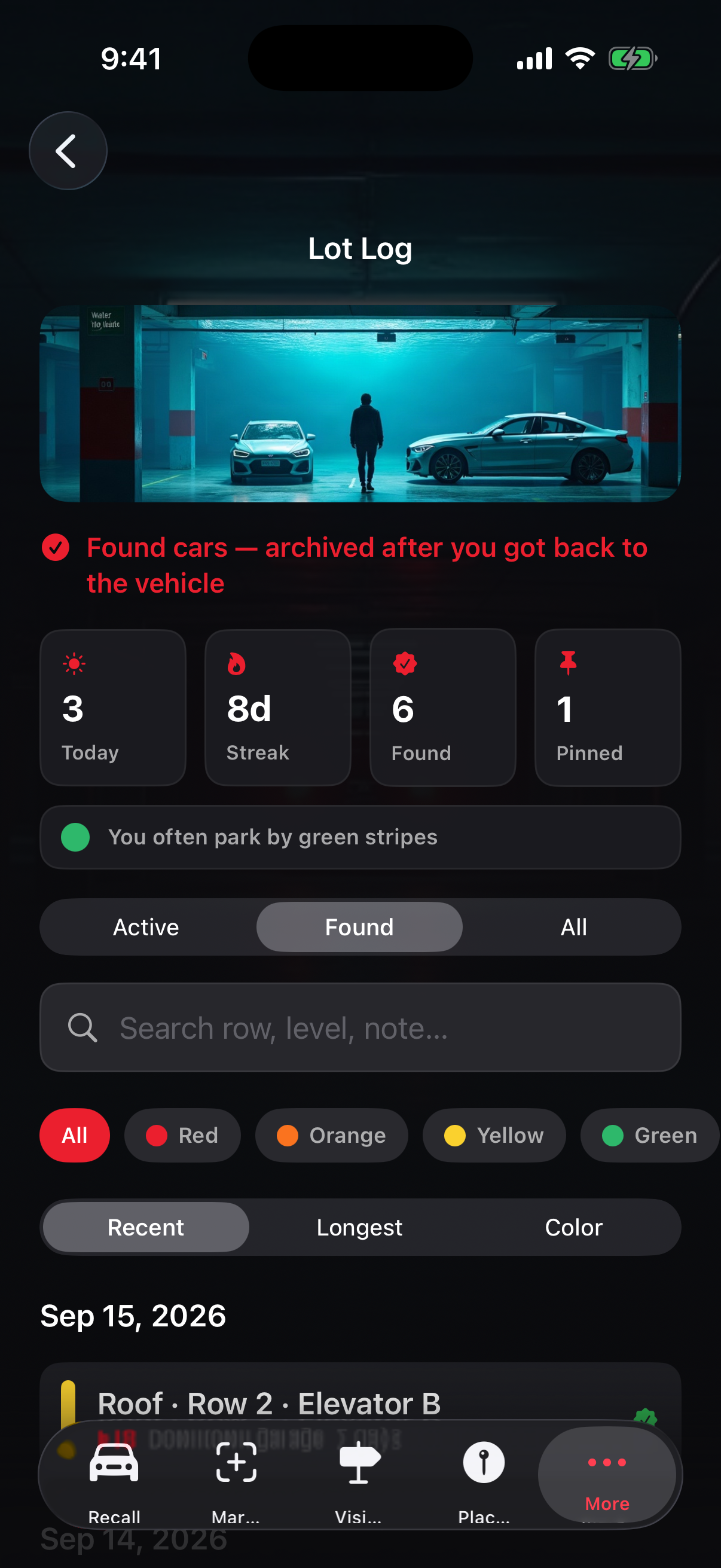
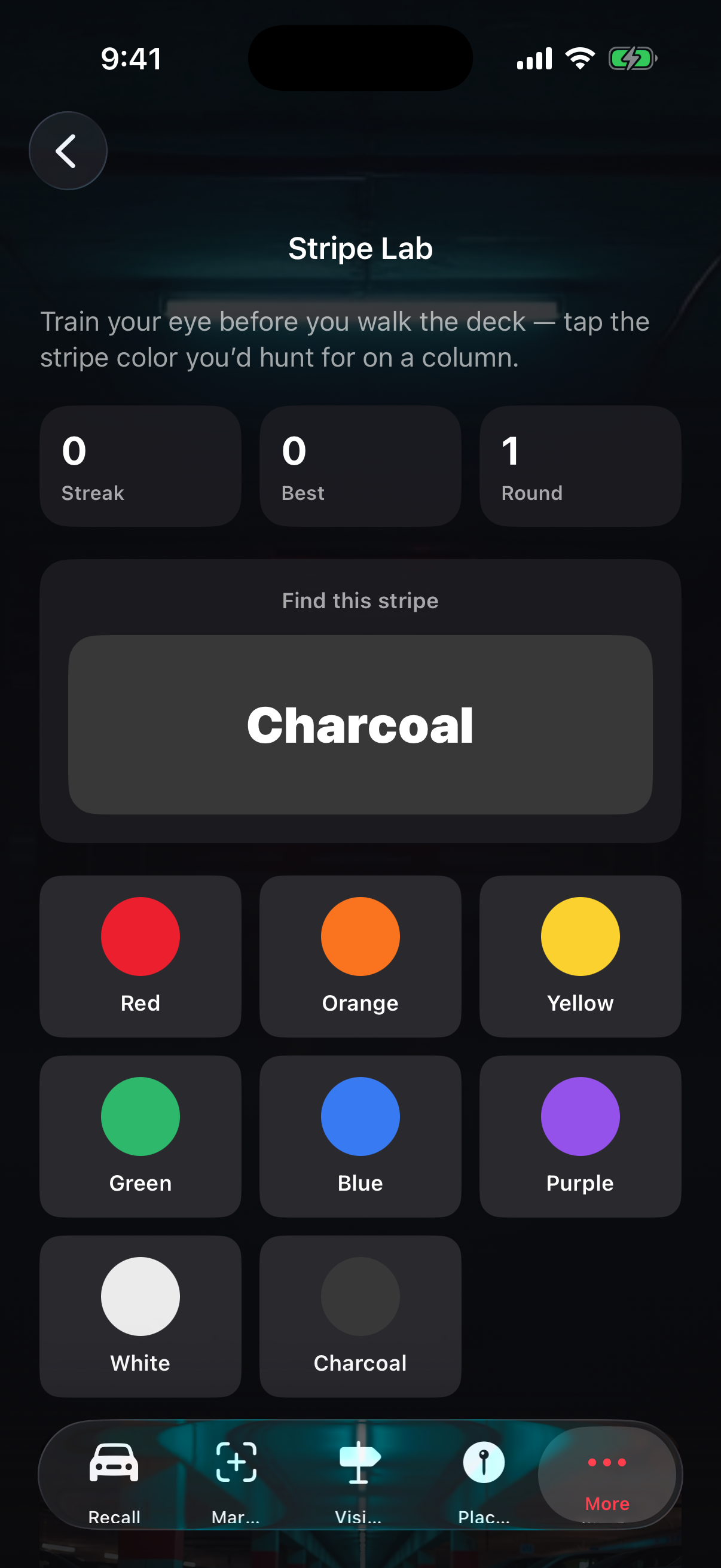
Save a mall, an office, or an airport deck and tag each mark with that place. Lot Log keeps earlier marks. Stripe Lab lets you practice the color you would hunt for on a column.
Compare this park with the previous one: place, floor, color, and pillar. A timer shows how long the current mark has been sitting.
On the phone
Mark Spot, the recall hub, Mark Vision, saved places, the lot log, and Stripe Lab — the same cues you use when you walk back.
Notice
Stakehuy does not collect personal data. Content you create is stored on your device. A mark can include a photo of the column, the stripe color, the row or aisle, the level or deck, an entry gate, a place tag, and an optional note. Those photos and notes stay on the phone until you delete the mark. This notice is effective November 13, 2026.
Write if a mark, a place, or the walk-back card does not behave the way you expect. Include the lot name and what you saw on the column so the same cues can be followed.